Changing Employee Status (Former Employees)
Overview
When a caregiver or employee ends employment, their status will need to be changed from active to former. To do this, follow the directions below.
Changing Employee Status
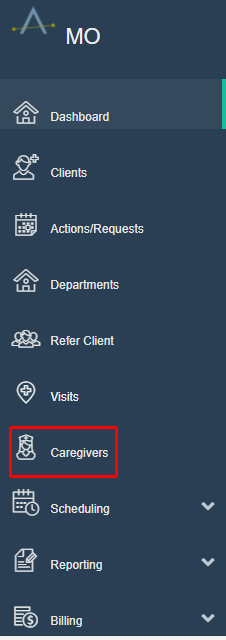
To begin, go the Main Menu, then click Caregivers.
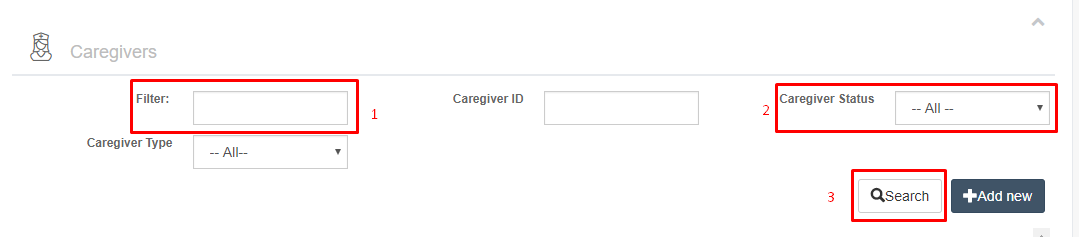
Type the caregiver's first or last name next to Filter. Change Caregiver Status to All and click search.
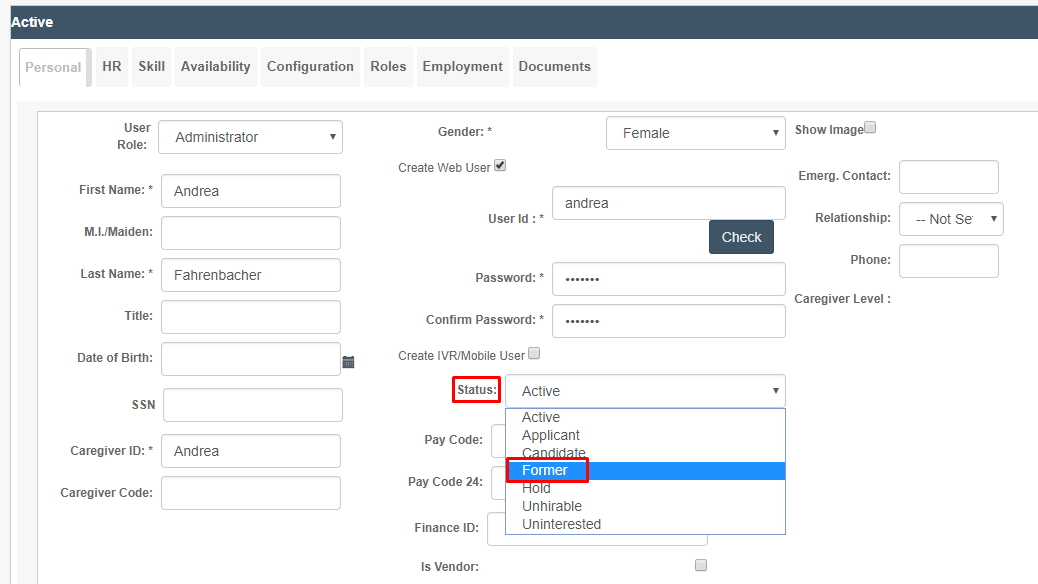
In the Status drop-down menu, select Former.
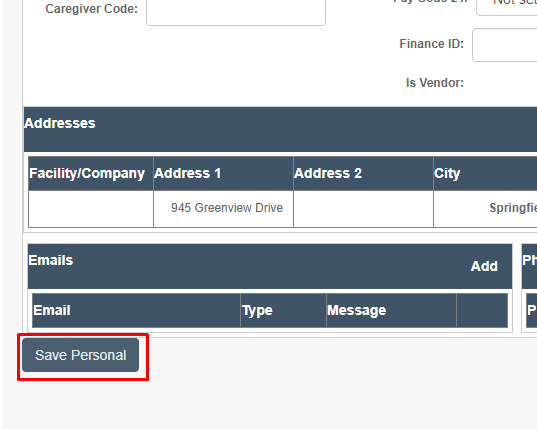
Scroll to the bottom of the page and click on Save Personal. The employee's status is now updated.