
The Ankota Family App: Connecting Loved Ones to Your Organization
Overview
For family members, authorized representatives, and guardians, staying connected to a loved one’s home care can bring immense peace of mind. The Ankota Family App is designed to ensure your clients' loved ones have a secure and transparent window into the services your organization provides.
It empowers loves ones to monitor schedules, view real-time visit statuses, review completed tasks, and view new posts and updates from the agency.
The Ankota Family App is an essential tool for oversight and engagement:
Secure Access: Provides a straightforward login process and offers biometric authentication for quick, secure access.
Real-time Visibility: See when caregivers clock in and out, and the current status of ongoing visits.
Comprehensive Scheduling: Access a clear calendar view of all scheduled visits.
Detailed Visit History: Review past visits, including specific tasks performed/
Direct Communication: Utilize the Feed page to view any new activity/event by the home care agency.
See below for a walkthrough of the app and its functionality.
The following article includes:
Using the Family Mobile App
Please note the following article is directed to the user of the mobile app for easy copy-and-paste to users.
Using the Family Mobile App
Login
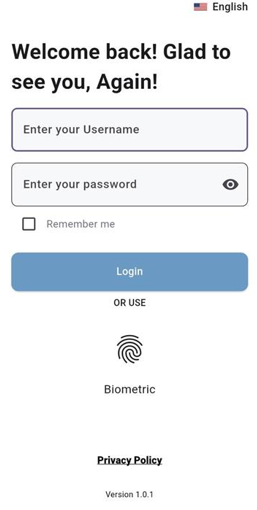
The journey with the Ankota Family App begins with a straightforward login process, ensuring the security of your personal and service information.
Enter Your Credentials: You will be prompted to "Enter your username" and "Enter your password." These credentials are provided to you by your organization
Biometric Login: Once "Remember Me" is enabled, the app offers the option for biometric authentication. This allows for quick and secure logins on subsequent visits without needing to re-enter your username and password.
Privacy Policy: Access to the app's privacy policy is also provided for your review.
The Home Screen
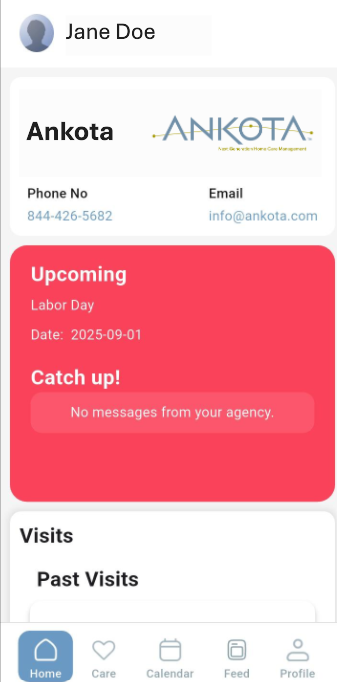
Upon successful login, the Home screen provides an immediate overview of your loved one’s care.
Client Name: At the top of the screen, you'll clearly see the name of the client you are monitoring. (e.g. Jane Doe)
Contact Information: You can directly dial Ankota's helpline from the homepage, as well as reach out to us via email.
Upcoming events: Here you can see all the announced public holidays, and any new event scheduled by the care agency.
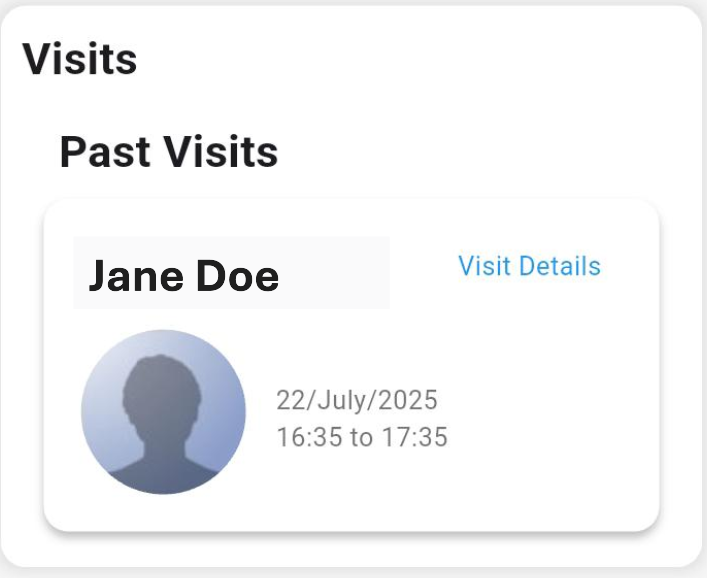
Visit Summary: For each visit, you'll see key details at a glance, including the caregiver's name and the scheduled time.
If you navigate to the visit details button then you will be able to see a breakdown of all the tasks performed during the visit.
Detailed Task Overview: Each specific task performed by the caregiver during the visit is listed.
Task Status: For each task, you'll see its completion status, such as "Complete," "Not Needed Today," or "Refused by Client." This offers transparency on the delivery of the care plan.
Care Screen
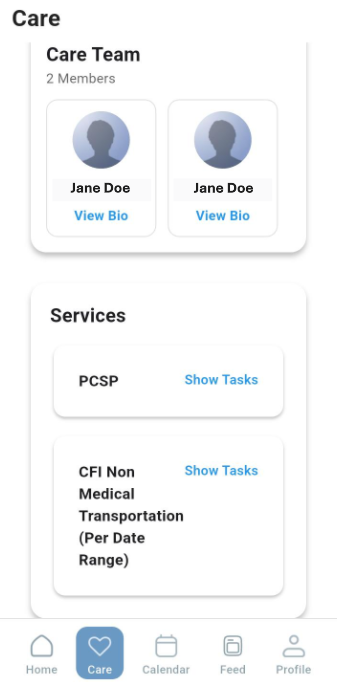
The Care screen serves as a central hub for understanding both the individuals providing care and the specific services being delivered to your loved one.
Team Members: Each card represents a service provider, displaying their name
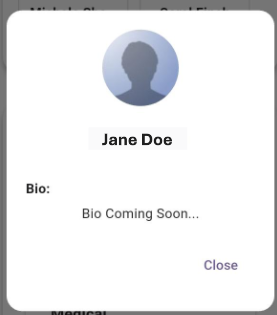
View Bio: Below each service provider's name, a "View Bio" link is available. Tapping this link will open a dedicated screen providing a brief biography of the service provider.
In cases where a service provider's biography is not yet available in the system, a "Bio Coming Soon" message will be displayed.
Services
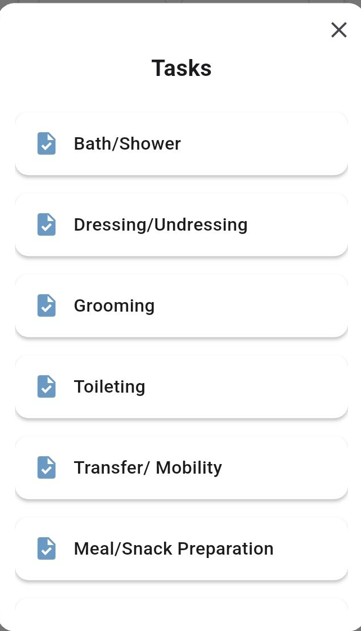
Below the "Care Team" section, the "Services" area provides a breakdown of all the specific services authorized for your loved one.
Service List: Each card in this section represents a distinct service category (e.g., "PCSP"). When you click on a service, you can view a list of all the individual tasks that fall under that particular service.
Calendar
The Calendar feature offers a clear and organized view of all scheduled care.
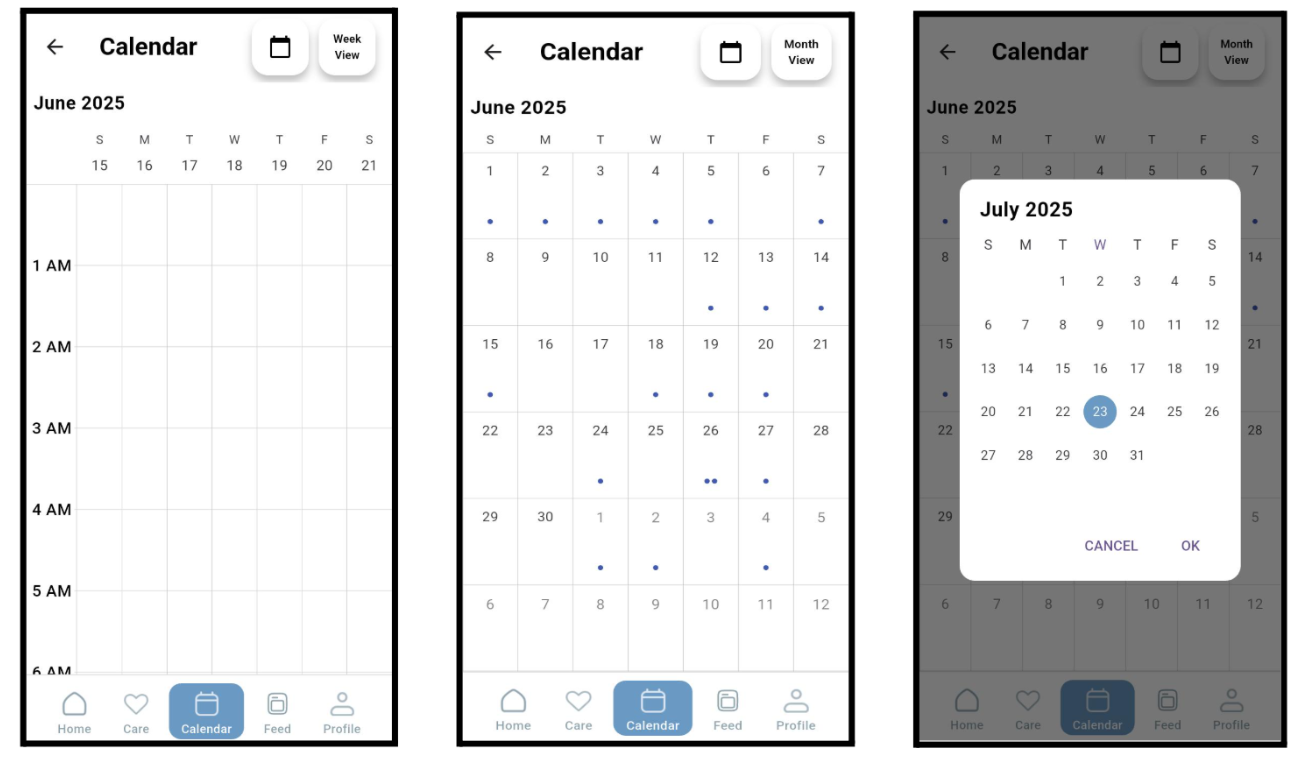
Monthly View: The default view presents a month-by-month calendar. You can also switch to day view and week view as well.
Scheduled Visits: Days with scheduled visits have blue dots on that particular date.
Detailed Day View: Tapping on a specific day reveals the visits scheduled for that date, including times and assigned caregivers.
Date Picker: The calendar icon allows you to view the scheduled visits on a particular date.
Feed Screen
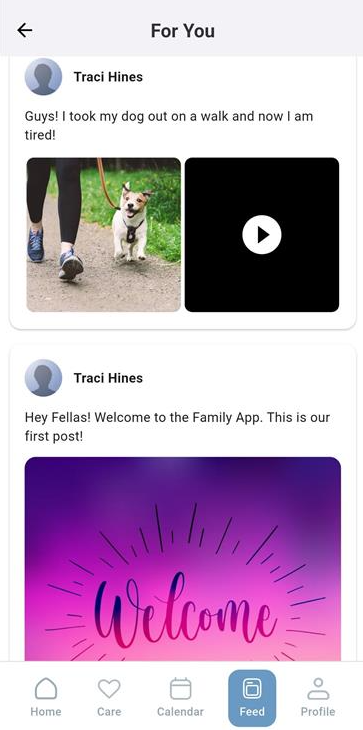
This screen serves as your dedicated channel for receiving important news and announcements directly from your agency. This feature ensures you stay up-to-date with any broadcasts relevant to your loved one's care or general agency updates.
View-Only Access: The Feed is a view-only section, designed for efficient dissemination of information from the agency to you.
Rich Media Support: Agency broadcasts on the Feed are not limited to text. This dynamic feature supports multiple image and video items.
Text Captions: Each image or video can be accompanied by a detailed text caption.
Profile Screen
In the profile section, you will get the option to change your password and enable biometric verification.
Log Out Button: Located at the top right of the screen, this buttonprovides a quick and secure way to log out of the application.
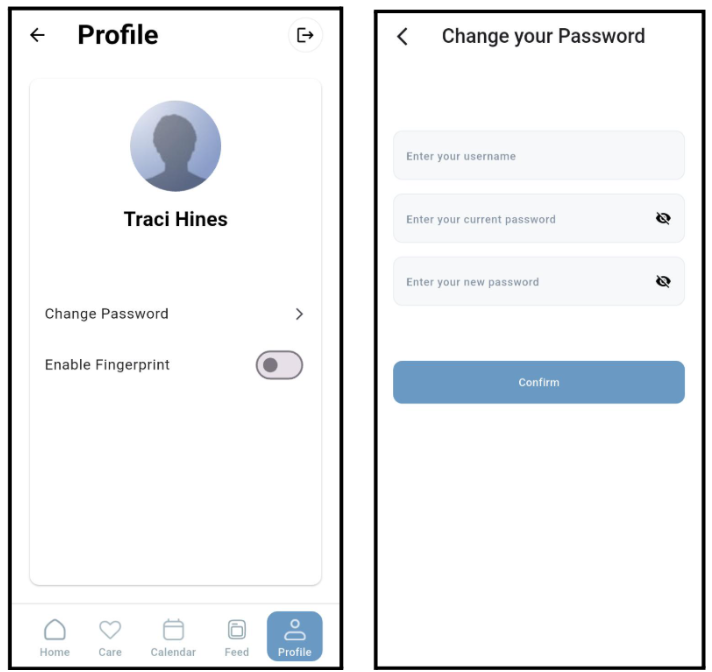
The app is designed to automatically log you out after 10 minutes of inactivity.
The Ankota Family App is your dedicated partner in managing your loved one's home services, providing transparency, engagement, and peace of mind through its intuitive design and comprehensive features.
Additional Resources
For further information on managing caregivers and family access within the Ankota system, please refer to these helpful articles: